

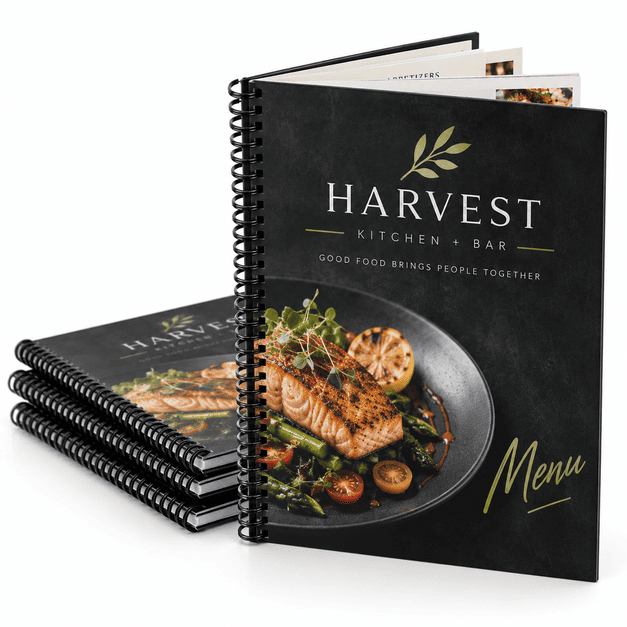
Custom Restaurant Menu Book Printing
MMPrint produces custom multi-page menu books for restaurants, bars, hotels, cafés, spas and other businesses that need more room than a single-sheet menu can provide. Bound menus make it easier to organize appetizers, entrées, beverages, desserts, services and other categories across multiple pages while keeping the presentation consistent and professional.
Restaurant menu books can be produced with different page counts, binding styles, cover stocks, inside papers and finishing options. The OPS configurator on this page lets you choose the specifications that fit your menu, while MMPrint provides human file review and commercial print support before production.
Choosing between a menu book and a flat menu? Menu books are best when your content needs multiple organized sections, while single-sheet or folded menus are often better for shorter menus, takeout service or limited offerings.
Who Uses Multi-Page Menu Books?
- Full-Service Restaurants – Organize food, beverage and dessert selections across clearly defined sections.
- Bars & Lounges – Separate cocktails, beer, wine, food and specialty offerings.
- Hotels & Resorts – Create dining, room-service, beverage or amenity menus.
- Spas & Salons – Present service categories, descriptions and pricing in a booklet format.
- Cafés & Bakeries – Use multiple pages for food, beverages, catering and seasonal items.
- Country Clubs & Hospitality Venues – Present dining, banquet and beverage options in a durable branded format.
Restaurant Menu Book Binding Options
The right binding depends on page count, how frequently the menu is handled, how flat it should open and the overall presentation you want.
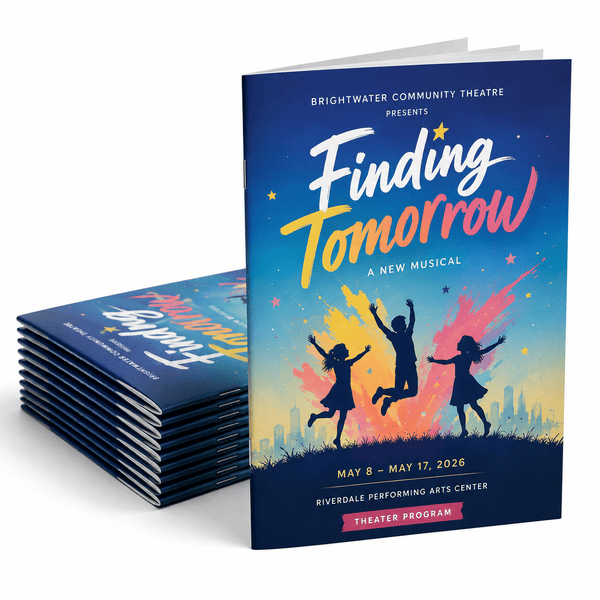
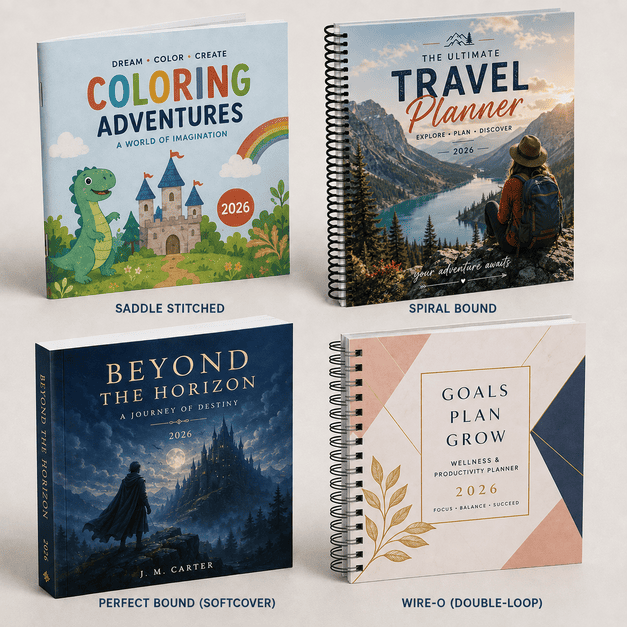
- Saddle Stitched – Folded sheets are stapled through the fold. This is a clean, economical choice for thinner multi-page menus.
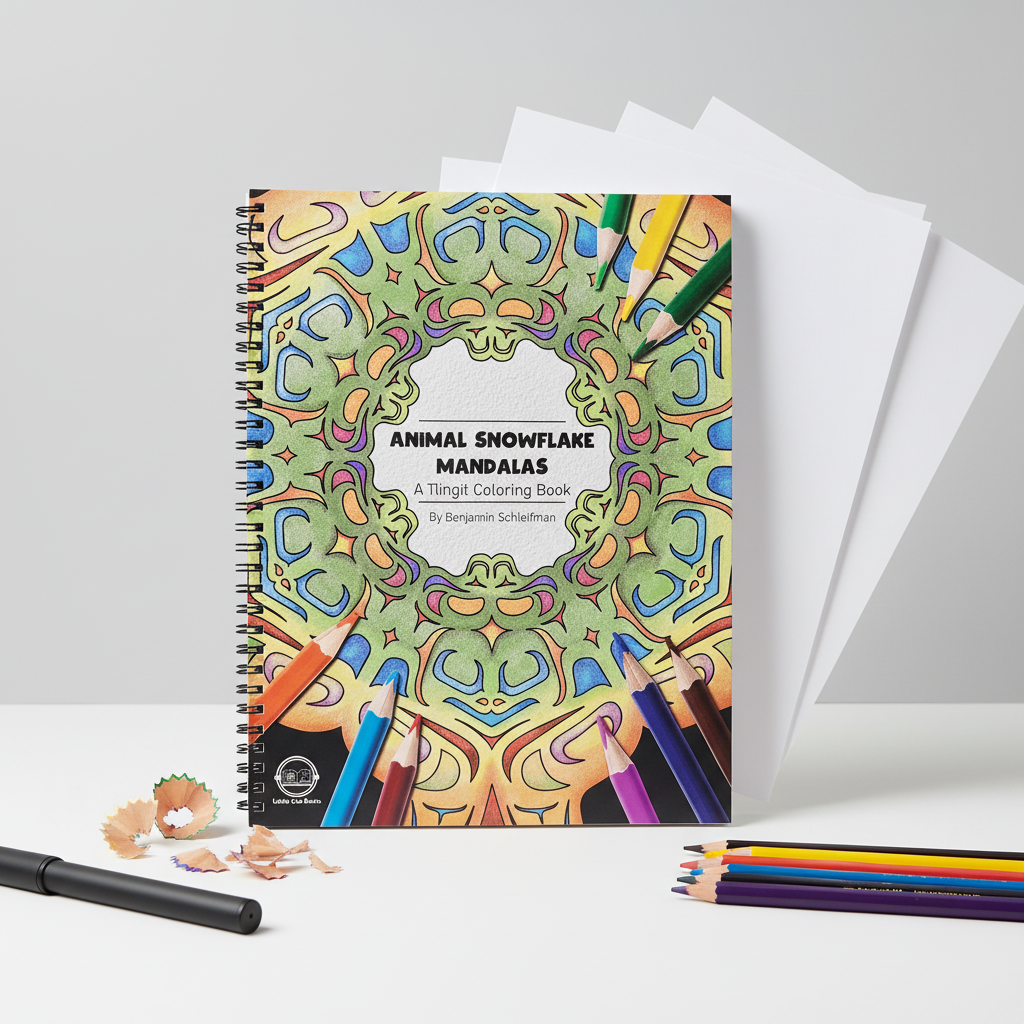
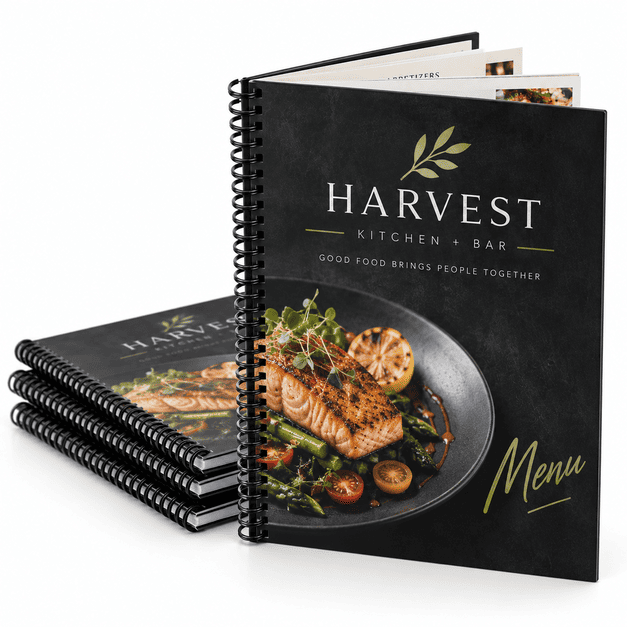
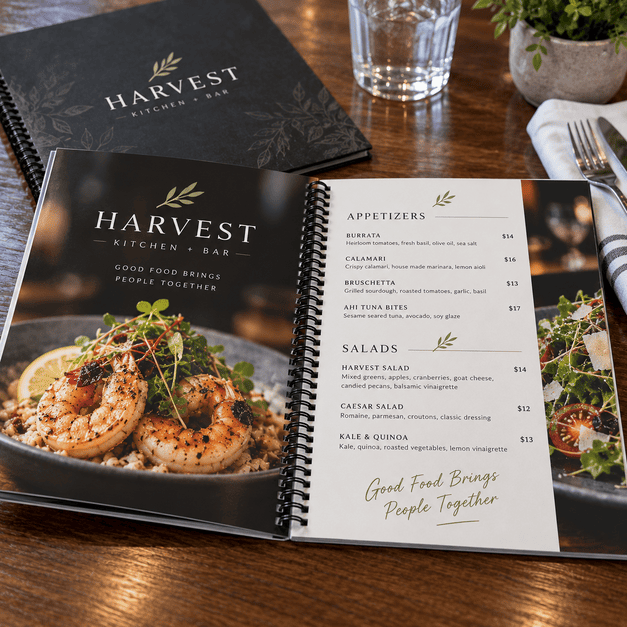
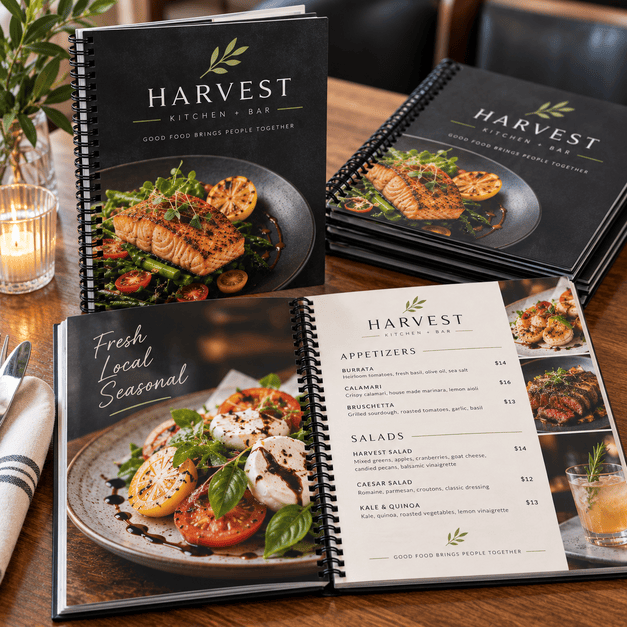
- Spiral Bound – A continuous plastic coil binds the pages together and allows the menu to open flat and turn easily during service.
- Wire-O Bound – Double-loop metal wire provides a more refined appearance while also allowing pages to open flat.
Paper & Material Choices for Menu Books
- Gloss Coated Paper – A good choice for menus with food photography, colorful branding and graphics that benefit from a smooth coated surface.
- Matte or Dull Coated Paper – Reduces glare while maintaining a polished printed appearance.
- Heavier Cover Stocks – Give the front and back covers more rigidity and help protect the inside pages.
- Synthetic Paper – A durable option for restaurant environments where menus may be exposed to spills, moisture and frequent handling.
Paper Menu Books vs. Synthetic Menu Books
Traditional coated paper works well for restaurants that prioritize image reproduction, flexibility and familiar printed-paper feel. Synthetic material is better suited to operations where menus receive frequent handling or are regularly exposed to spills and moisture.
Synthetic paper is made from a plastic-based material while retaining a paper-like printable surface. It provides water resistance and tear resistance without relying on conventional paper alone. :contentReference[oaicite:1]{index=1}
Common Uses for Bound Menu Books
- Lunch and dinner menus
- Cocktail and wine lists
- Fine-dining menus
- Hotel and resort dining menus
- Room-service menus
- Dessert menus
- Catering menus
- Banquet menus
- Spa and salon service books
- Retail and service catalogs
Design Tips for Restaurant Menu Books
- Organize content by category – Use clear sections for appetizers, entrées, beverages, desserts and other offerings so customers can scan the menu quickly.
- Plan page count before final design – Binding method and final page count work together, especially with saddle-stitched menus.
- Leave room near the binding edge – Keep prices and important text away from the inside edge so they remain easy to read after binding.
- Use consistent hierarchy – Dish names, descriptions and prices should follow a predictable visual structure from page to page.
- Use high-resolution food photography – Images should be prepared at suitable resolution for commercial printing.
- Consider frequent menu updates – If pricing or offerings change often, choose a format that fits how frequently you expect to reprint.
- Choose durability based on service conditions – Busy restaurants, bars and outdoor dining operations may benefit from synthetic or other more durable menu materials.
Compare Restaurant Menu Binding Styles
| Binding | Key Benefit | Best For |
|---|---|---|
| Saddle Stitched | Clean and economical | Thinner multi-page menus |
| Spiral Bound | Opens flat and turns easily | Frequently handled restaurant menus |
| Wire-O Bound | Flat opening with refined appearance | Upscale and presentation-focused menus |
Why Choose MMPrint for Restaurant Menu Books?
- More Than 50 Years of Commercial Printing Experience – MMPrint has produced custom printing for businesses and organizations since 1978.
- Human File Review – Menu artwork is reviewed for common production issues before printing.
- Multiple Binding Options – Choose a binding style based on page count, handling and presentation.
- Paper & Synthetic Choices – Match the material to your restaurant environment and desired durability.
- Custom Menu Support – Projects with unusual sizes, materials or finishing requirements can be reviewed by our print team.
- Nationwide Service – MMPrint produces restaurant menu books for customers throughout the United States.
Other Restaurant Menu Printing Options
Not every restaurant needs a bound menu. For shorter menus or more specialized applications, MMPrint also offers waterproof synthetic menu printing, single-page menu printing and takeout menu formats. Choosing the right format depends on how much content you have, how often the menu changes and how the menu will be used during service.
Need a Custom Restaurant Menu Project?
If your menu requires a custom size, unusual binding, specialty material or another specification outside the standard online configuration, request a custom printing quote. MMPrint can review your artwork, quantity, page count, binding and material requirements.
Frequently Asked Questions
- What is a restaurant menu book?
A restaurant menu book is a multi-page printed menu bound together using a method such as saddle stitching, spiral binding or Wire-O binding. - When should I use a menu book instead of a single-sheet menu?
Menu books are useful when a restaurant has enough categories, items or information to benefit from multiple organized pages. - What binding options are available for restaurant menu books?
Available binding choices can include saddle stitching, spiral binding and Wire-O binding depending on the specifications selected for the project. - Which binding opens flat?
Spiral and Wire-O binding are commonly chosen when a menu needs to open flat and allow pages to turn easily. - Can restaurant menu books be printed on synthetic material?
Yes. Synthetic paper is available for qualifying menu projects that need additional water and tear resistance. - What is the difference between paper and synthetic restaurant menus?
Coated paper provides a traditional printed-paper feel and strong image reproduction, while synthetic material provides additional resistance to moisture, tearing and frequent handling. - Can the cover be different from the inside pages?
Yes. Menu books can be configured with separate cover and inside paper selections when supported by the selected product options. - Are menu books only for restaurants?
No. Bound menu-style books can also be used by bars, hotels, resorts, spas, salons and other businesses that need to organize multiple categories of products or services. - Does MMPrint review restaurant menu artwork before printing?
Yes. Submitted artwork is reviewed for common printing and production concerns before the order moves into production. - Can MMPrint handle a custom menu book that is not listed in the online options?
Yes. Custom restaurant menu projects can be submitted for review when the required size, material, binding or finishing falls outside the standard online configuration.
Restaurant Menu Books (Booklets & Books)
Customize & Estimate
Next Step: Upload Files or Start Customizing
Select your product size, then review and download the layout template and design guidelines. These files are provided to help you create precise, print-ready designs with the correct dimensions, bleed areas, and safe zones.