

Custom Brochure Printing Services
MMPrint produces custom folded brochures for businesses, healthcare providers, schools, restaurants, nonprofits, tourism organizations, service companies, and marketing teams nationwide. Brochures organize detailed information into a compact printed piece that customers can read, save, and share.
Use brochures to introduce a company, explain services, promote products, present program information, display menus, distribute maps, or support a sales campaign. Multiple sheet sizes, paper choices, and folding styles make it possible to match the finished brochure to the amount and structure of your content.
Choosing a fold is part of the design process. Select the finished size and folding style before creating artwork so every panel is positioned and sized correctly.
Available Brochure Sizes
- 8.5" × 11" – A versatile sheet size commonly used for compact half-fold and tri-fold brochures.
- 8.5" × 14" – Provides additional panel space for service lists, menus, schedules, and detailed marketing information.
- 11" × 17" – A larger format for visual presentations, product information, maps, programs, and content-heavy brochures.
Brochure Folding Options
- Half-Fold or Bi-Fold – The sheet folds once to create four panels: a front cover, back cover, and two interior panels. It works well for simple presentations and larger images.
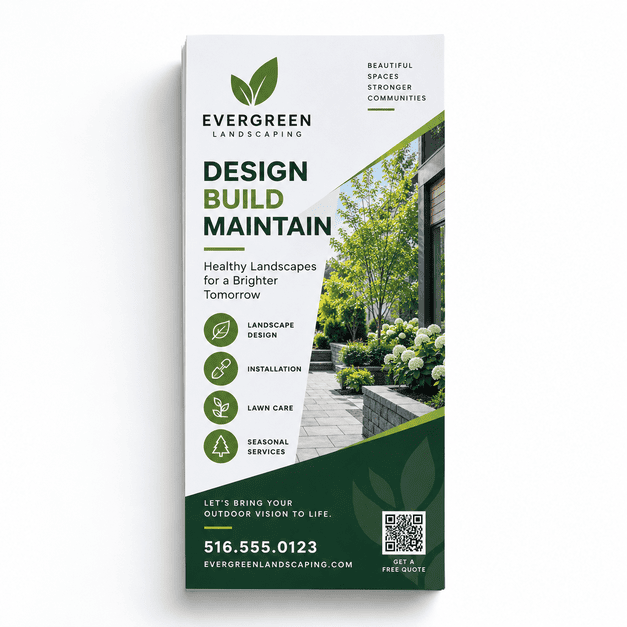
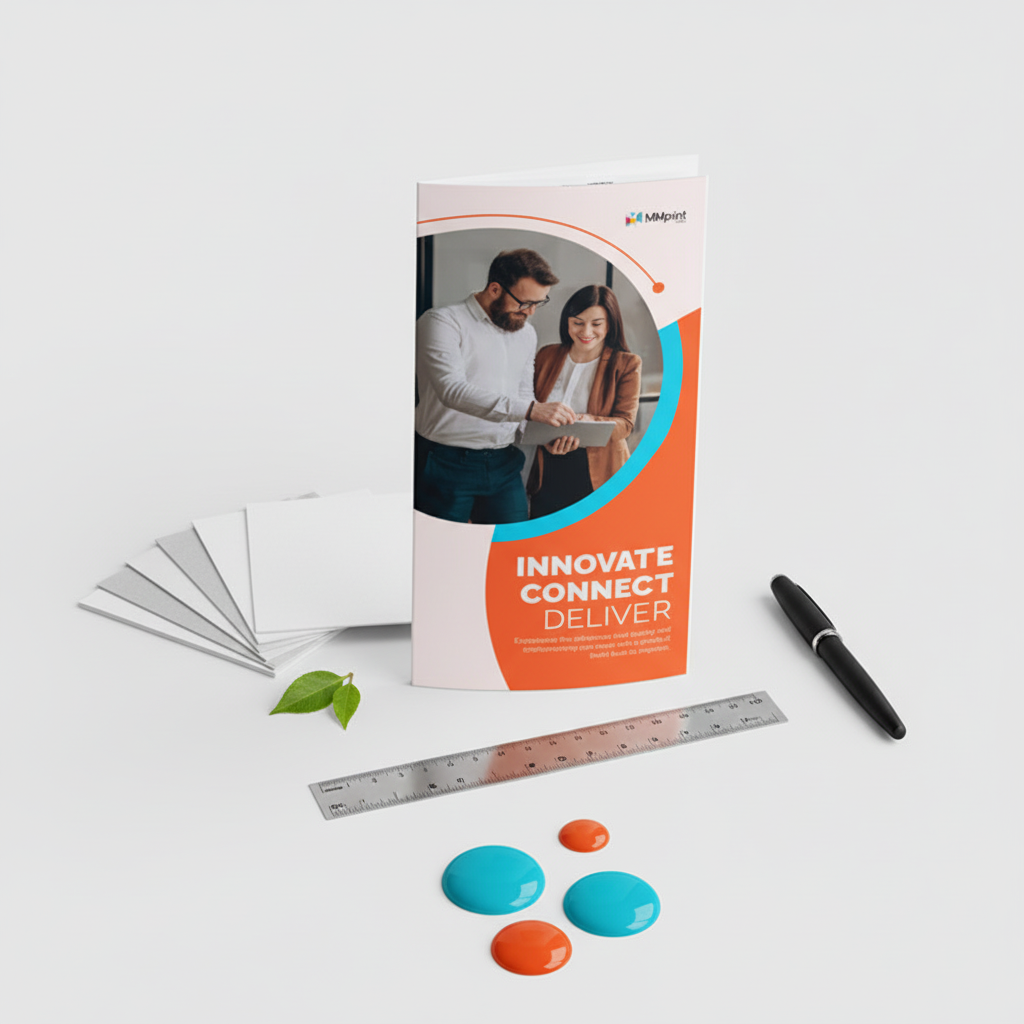
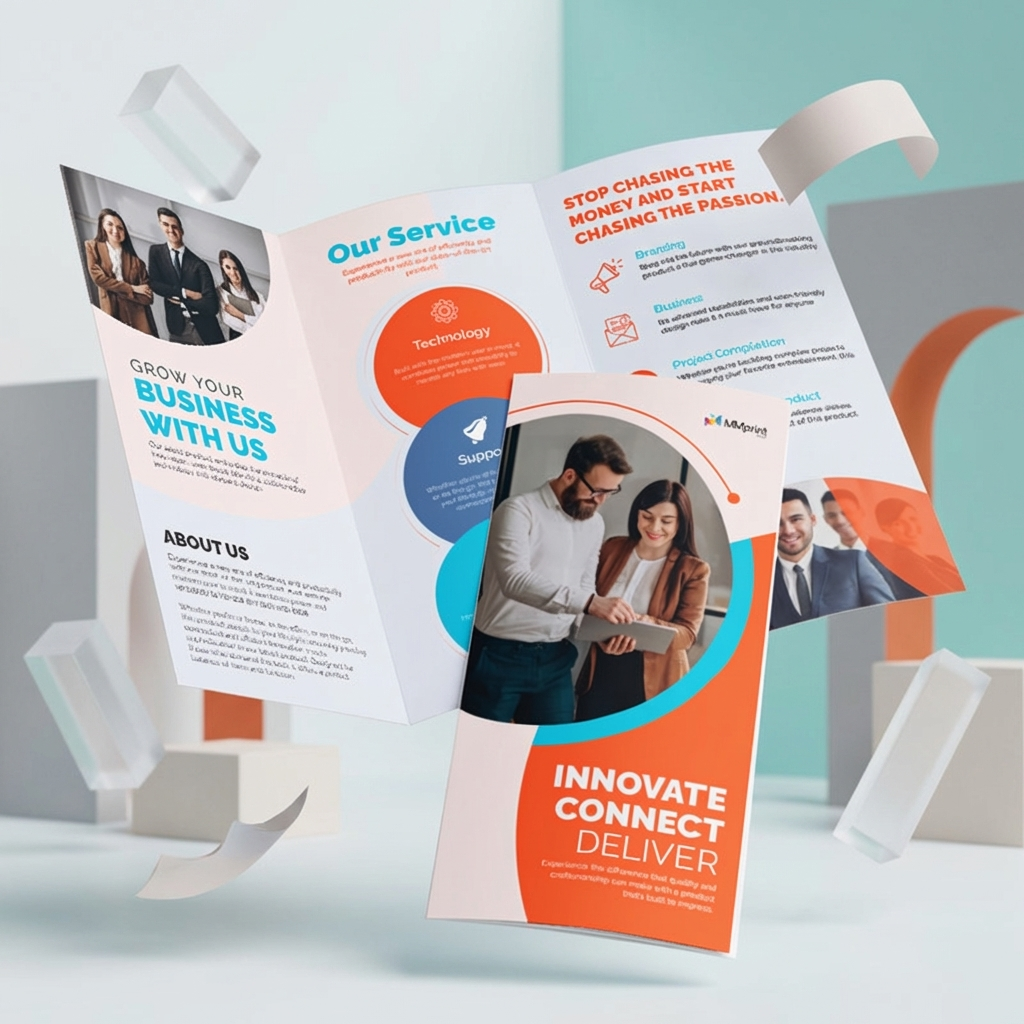
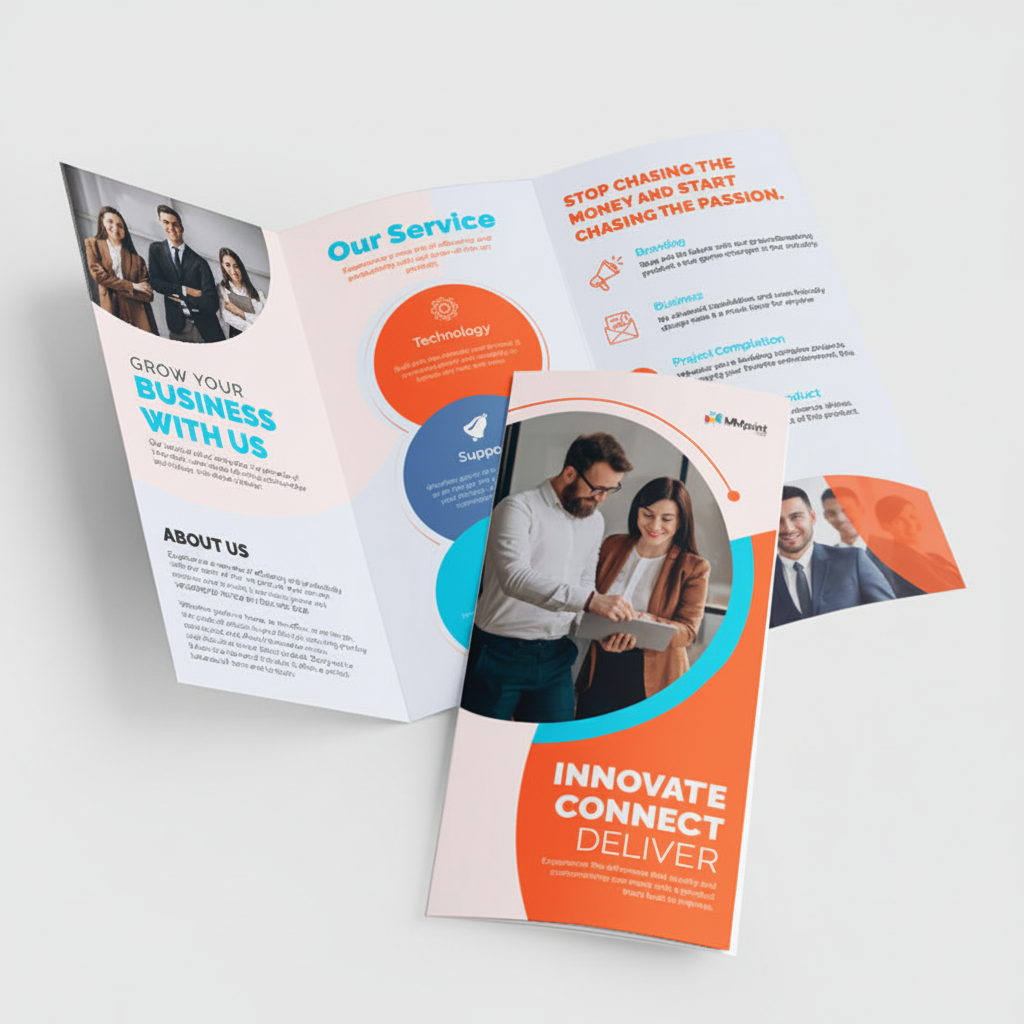
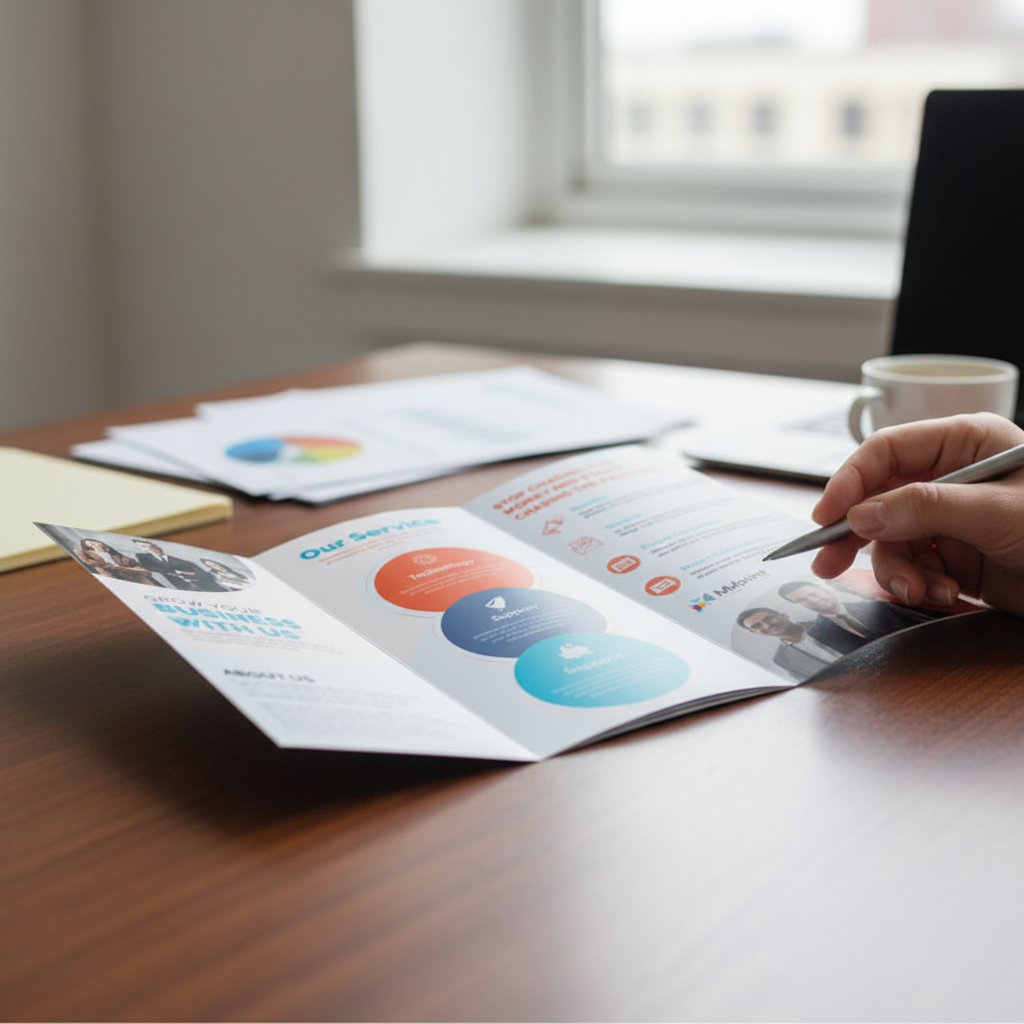
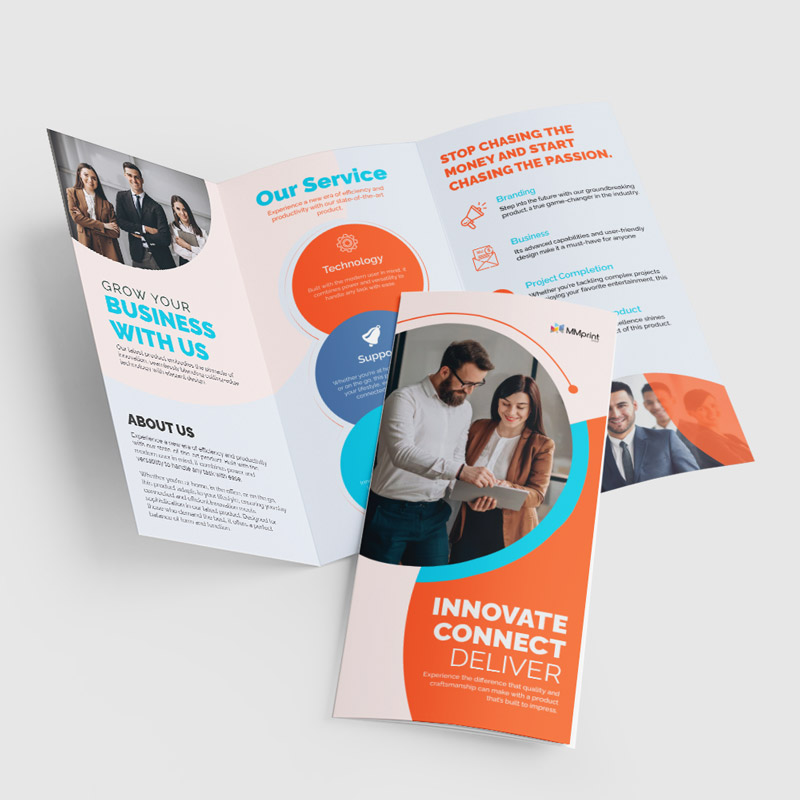
- Tri-Fold – Two folds divide the sheet into six panels. This familiar format is useful for company overviews, service information, product promotions, and rack distribution.
- Double Parallel Fold – The sheet is folded in half and then folded again in the same direction, creating eight panels for content that needs to be presented in sections or sequence.
Brochure Paper Options
- 60 lb Uncoated Text – A lightweight, natural-feel paper suited to informational pieces and brochures that may need to be written on.
- 70 lb Uncoated Text – Offers slightly more substance while retaining an uncoated, writable surface.
- 80 lb Gloss Text – A smooth coated paper that works well for colorful graphics, photographs, and general marketing brochures.
- 100 lb Gloss Text – A heavier text-weight stock with a substantial feel and a smooth surface for image-rich designs.
- Cover-Weight Options – Available through the online calculator for brochures that require a firmer, more substantial finished piece.
Common Uses for Printed Brochures
- Company and organization overviews
- Product and service marketing
- Sales presentations and leave-behinds
- Healthcare and patient information
- School and educational materials
- Travel, tourism, and visitor guides
- Maps, schedules, and event information
- Restaurant menus and service lists
- Nonprofit and fundraising information
- Trade show and conference handouts
How to Choose a Brochure Fold
| Fold | Layout | Best For |
|---|---|---|
| Half-Fold | Four large panels | Presentations, programs and image-led layouts |
| Tri-Fold | Six compact panels | Company, product and service overviews |
| Double Parallel | Eight sequential panels | Guides, instructions and detailed information |
Brochure Design Tips
- Download the correct template – Build the artwork for the selected sheet size and fold rather than dividing every panel evenly by assumption.
- Plan the reading order – Arrange headlines and content according to how the brochure opens and unfolds.
- Allow for fold adjustments – Some folding styles require one panel to be slightly narrower so it can tuck inside properly.
- Keep text away from folds – Leave comfortable margins around fold lines so words and important graphics remain easy to read.
- Include bleed – Extend backgrounds and images beyond the trim line when they are intended to reach the finished edge.
- Use print-quality images – Supply photographs and graphics at suitable resolution for their intended printed dimensions.
- Keep the cover focused – Use a clear headline, recognizable branding, and a reason for the reader to open the brochure.
- Finish with a clear next step – Include useful contact information and a specific call to action.
Brochures for Mailing
Folded brochures can also be prepared for direct-mail campaigns. The finished dimensions, fold orientation, address area, paper, sealing method, and postal layout should be determined before the artwork is completed. Request a custom quote when printing, addressing, tabbing, or mailing services are needed.
Why Choose MMPrint?
- Human file review – A print professional reviews submitted brochure artwork for common production concerns before printing.
- Practical folding choices – Online options include half-fold, tri-fold, and double-parallel brochures.
- Multiple paper selections – Choose from coated, uncoated, text-weight, and cover-weight configurations.
- Commercial printing experience – MMPrint is part of The Marsid M&M Group Ltd., founded by Sid Halpern and organized in 1972.
- Nationwide service – Custom brochures can be printed and shipped for businesses and organizations throughout the United States.
Related Printing Options
Combine brochures with custom presentation folders for sales packets, use custom postcards for shorter promotional messages, or choose custom booklet printing when the project requires multiple bound pages. Restaurants can also explore custom takeout menu printing.
Need a Custom Brochure Configuration?
If your project requires a custom size, gate fold, Z-fold, roll fold, accordion fold, specialty coating, foil, embossing, die cutting, variable data, or mailing services, request a custom brochure printing quote.
Frequently Asked Questions
- What brochure sizes are available online?
The online calculator includes 8.5" × 11", 8.5" × 14", and 11" × 17" brochure sheet sizes. - Which brochure folds are available online?
The online options include half-fold, tri-fold, and double-parallel brochures. - What is the difference between a half-fold and a tri-fold brochure?
A half-fold brochure has four large panels. A tri-fold brochure uses two folds to create six smaller panels for organizing information into sections. - Which brochure paper is best for photographs?
Gloss text paper is a practical choice for brochures containing photographs, colorful graphics, and product images. - Which paper should I choose for a writable brochure?
Uncoated text paper is generally the better option when recipients need to write, stamp, or make notes on the brochure. - Can brochures be printed on both sides?
Yes. Brochure artwork can use both sides of the sheet so every exterior and interior panel contains printed content. - What is the difference between a brochure and a booklet?
A brochure is generally produced from a single folded sheet. A booklet contains multiple pages that are bound together. - Can MMPrint print and mail brochures?
Custom brochure projects can be reviewed for printing, addressing, tabbing, and mailing requirements through the custom quote form. - Does MMPrint review brochure artwork?
Yes. A print professional reviews submitted files for common production concerns before printing.
Brochures (Marketing Materials)
Next Step: Upload Files or Start Customizing
Select your product size, then review and download the layout template and design guidelines. These files are provided to help you create precise, print-ready designs with the correct dimensions, bleed areas, and safe zones.