


Custom Business Card Printing
MMPrint produces custom business cards for professionals, businesses, sales teams, organizations and employees throughout the United States.
A printed business card provides a compact way to share a name, title, phone number, email address, website, social-media information and other important contact details during meetings, appointments and networking events.
Choose full-color printing, multiple paper finishes and optional features such as two-sided printing, rounded corners, foldover construction and UV coating.
Business Card Sizes & Formats
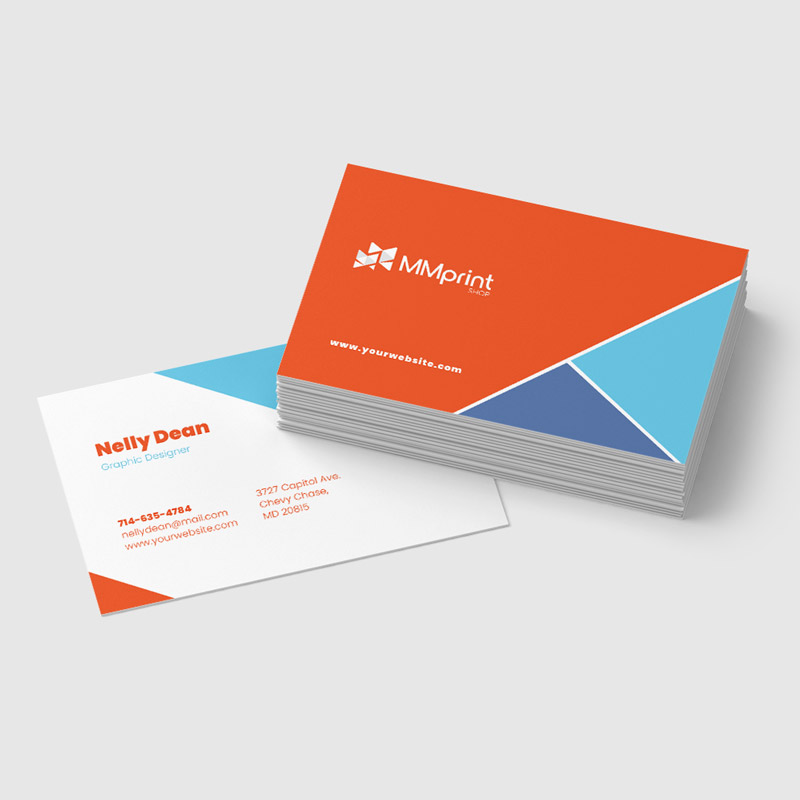
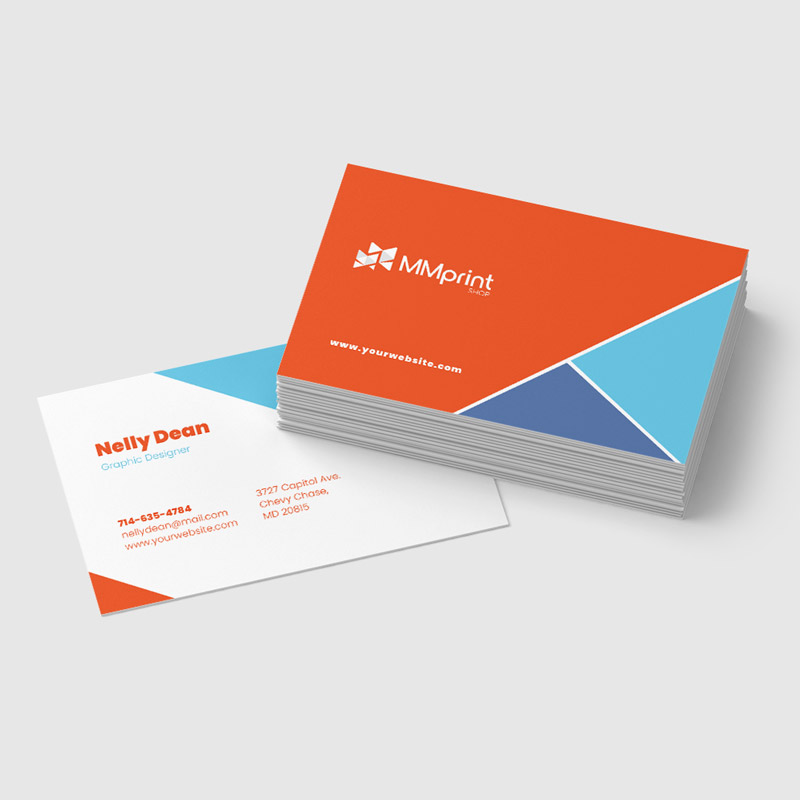
- 3.5 x 2 Business Cards – The standard finished size for most professional and company business cards.
- 3.5 x 4 Foldover Business Cards – Fold to a standard 3.5 x 2 finished size while providing additional printable space inside.
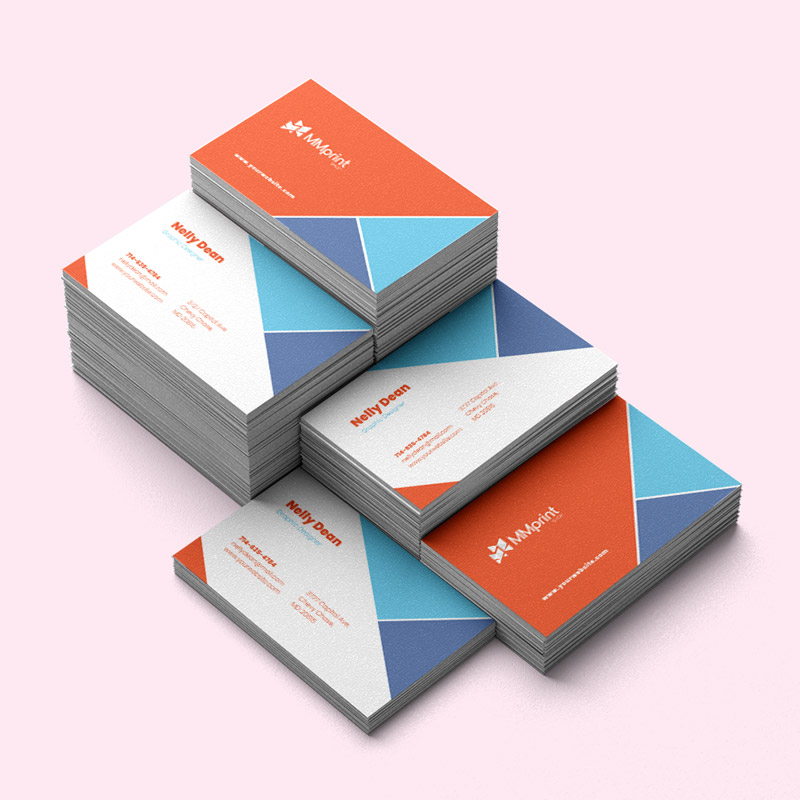
- Horizontal Business Cards – The traditional landscape orientation for contact information and branding.
- Vertical Business Cards – A portrait orientation that provides an alternative arrangement for the same standard card size.
- Custom Sizes and Shapes – Nonstandard dimensions and die-cut shapes can be reviewed as specialty projects.
Business Card Printing Options
- Full-Color Printing – Reproduce photographs, gradients, illustrations and multicolor branding using process color.
- One-Sided Printing – Keep the reverse side blank for a simple card or space to write notes.
- Two-Sided Printing – Use the back for additional contact information, services, appointment details, a QR code or other supporting content.
- Variable Data – Qualifying projects can include changing names, contact details, coupon codes, images or other information.
Business Card Paper Options
- Gloss-Coated Paper – A reflective surface that supports vibrant colors, photographs and graphics.
- Matte or Dull-Coated Paper – A smooth, lower-glare surface with a more subdued appearance.
- Uncoated Paper – A natural-feel surface that is easier to write on than coated paper.
- Specialty Stocks – Suede, silk, metallic pearl and other distinctive papers are available through qualifying premium business-card configurations.
Business Card Finishing Options
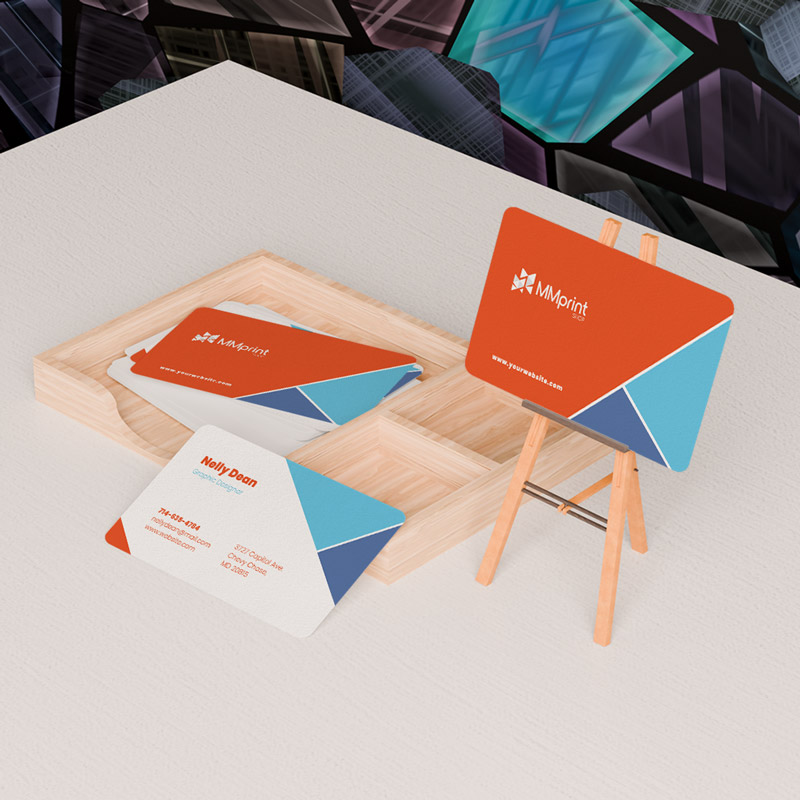
- Rounded Corners – Replace sharp corners with a rounded profile.
- UV Coating – Add a glossy coating to qualifying coated-paper configurations.
- Spot UV – Apply gloss selectively to specific design elements on qualifying premium projects.
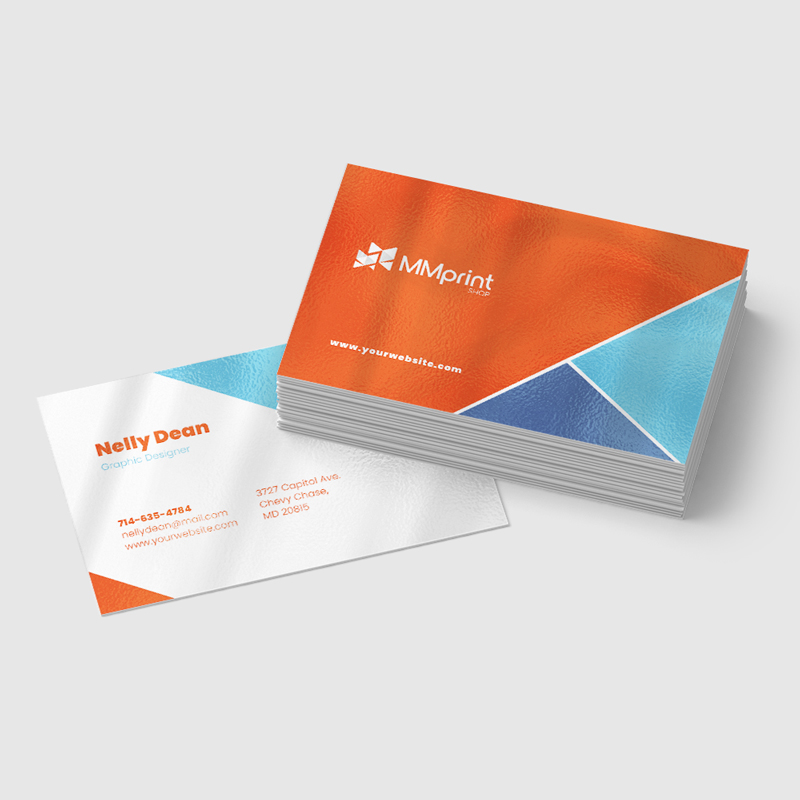
- Foil Stamping – Add metallic or pigmented foil to selected text, logos or design elements.
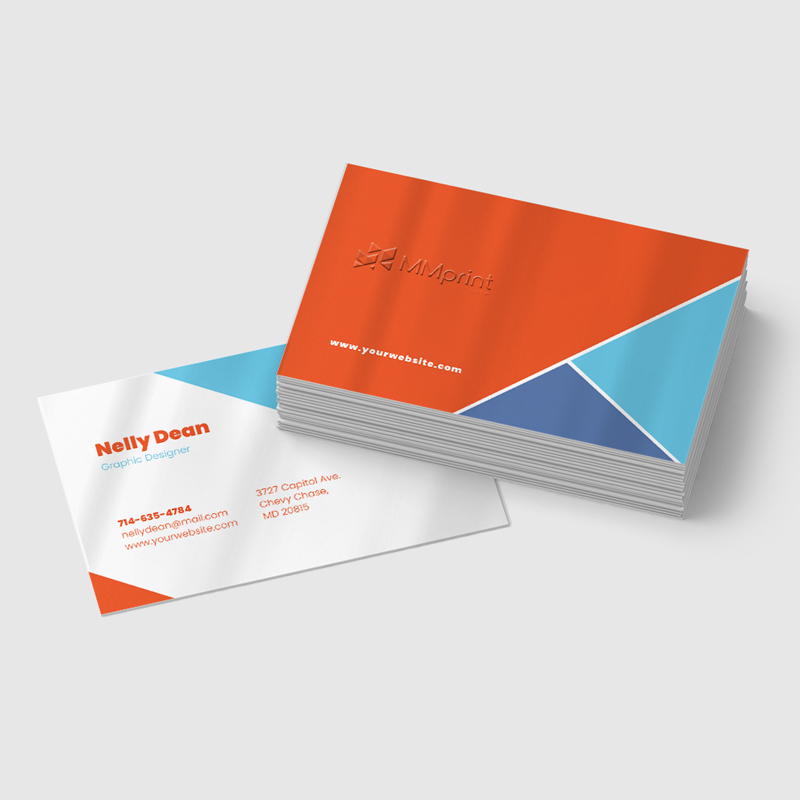
- Embossing – Raise selected elements to create a tactile impression.
- Die Cutting – Produce a custom shape or structural feature for qualifying specialty cards.
Standard and Premium Business Cards
Standard business cards are appropriate for most everyday professional and company uses. They focus on clear contact information, full-color printing and familiar coated or uncoated paper choices.
Premium business cards use specialty stocks or enhanced finishing such as foil stamping, embossing, spot UV and custom die cutting. These projects may require a separate production process and custom specifications.
Common Uses for Custom Business Cards
- Professional networking
- Sales representatives and account managers
- Trade shows and conferences
- Retail and service businesses
- Real estate professionals
- Financial and legal professionals
- Healthcare providers
- Restaurants and hospitality businesses
- Employee card programs
- Appointment and loyalty cards
- Referral and promotional cards
- Cards with QR codes or digital contact links
Design Tips for Business Cards
- Prioritize essential information – Include the name, title and contact methods customers are most likely to use.
- Keep text readable – Avoid extremely small type or overly condensed contact information.
- Include bleed – Extend backgrounds and images beyond the trim edge according to the supplied template.
- Protect the safe area – Keep text, logos and QR codes away from trim edges and rounded corners.
- Use high-resolution artwork – Review logos, photographs and graphics at their final printed dimensions.
- Prepare logos as vectors – Vector artwork generally provides the sharpest reproduction for logos and small text.
- Check QR codes – Test the final code at the intended printed size and leave adequate clear space around it.
- Consider writability – Use uncoated paper or leave an appropriate uncoated area when recipients need to write on the card.
- Proofread carefully – Confirm names, titles, phone numbers, email addresses, URLs and social-media information before approval.
Compare Business Card Paper Options
| Paper | Appearance | Common Use |
|---|---|---|
| Gloss Coated | Shiny and vibrant | Colorful graphics and photos |
| Matte Coated | Smooth with less glare | Professional branded cards |
| Uncoated | Natural and writable | Appointments and handwritten notes |
| Specialty | Distinctive texture or finish | Premium business cards |
Why Choose MMPrint for Business Card Printing?
- Professional Full-Color Printing – Reproduce company branding, photographs and graphics in full color.
- Multiple Paper Categories – Choose from gloss-coated, matte-coated, uncoated and qualifying specialty stocks.
- Standard and Custom Options – Produce traditional cards, foldover cards, rounded corners or specialty configurations.
- Employee Card Programs – Variable data can support business cards containing different names and contact information.
- Human File Review – Submitted artwork is reviewed for potential sizing, bleed, resolution, color and finishing concerns.
- More Than 50 Years of Print Experience – MMPrint has served businesses and organizations since 1972.
- Nationwide Shipping – Printed business cards can be shipped throughout the United States.
Frequently Asked Questions
- What is the standard business card size?
The standard finished business card size is 3.5 x 2 inches. - Can business cards be printed on both sides?
Yes. The reverse side can include additional contact information, services, appointment details, a QR code or other supporting content. - What is a foldover business card?
A foldover business card is printed at 3.5 x 4 inches and folded to a standard 3.5 x 2 finished size, providing additional interior space. - Can business cards be printed in full color?
Yes. Full-color printing is suitable for photographs, gradients, illustrations and multicolor branding. - Which paper should I choose for my business cards?
Gloss-coated paper supports vibrant graphics, matte-coated paper reduces glare, and uncoated paper provides a natural surface that is easier to write on. - Are rounded corners available?
Yes. Rounded corners are available as an optional finishing feature. - What is the difference between standard and premium business cards?
Standard cards use familiar coated or uncoated papers and conventional full-color printing. Premium cards may include specialty stocks, foil stamping, embossing, spot UV or custom die cutting. - Can MMPrint produce cards for multiple employees?
Yes. Variable data can be used to change names, titles, phone numbers, email addresses and other information across qualifying orders. - Can business cards include QR codes?
Yes. QR codes can be printed on business cards when they are properly sized, tested and surrounded by adequate clear space. - Does MMPrint review business card artwork?
Yes. Submitted files are reviewed for potential sizing, bleed, resolution, color and finishing concerns before printing. - Does MMPrint ship business cards nationwide?
Yes. MMPrint prints and ships custom business cards throughout the United States.
Custom Business Cards (Business Essentials)
Next Step: Upload Files or Start Customizing
Select your product size, then review and download the layout template and design guidelines. These files are provided to help you create precise, print-ready designs with the correct dimensions, bleed areas, and safe zones.